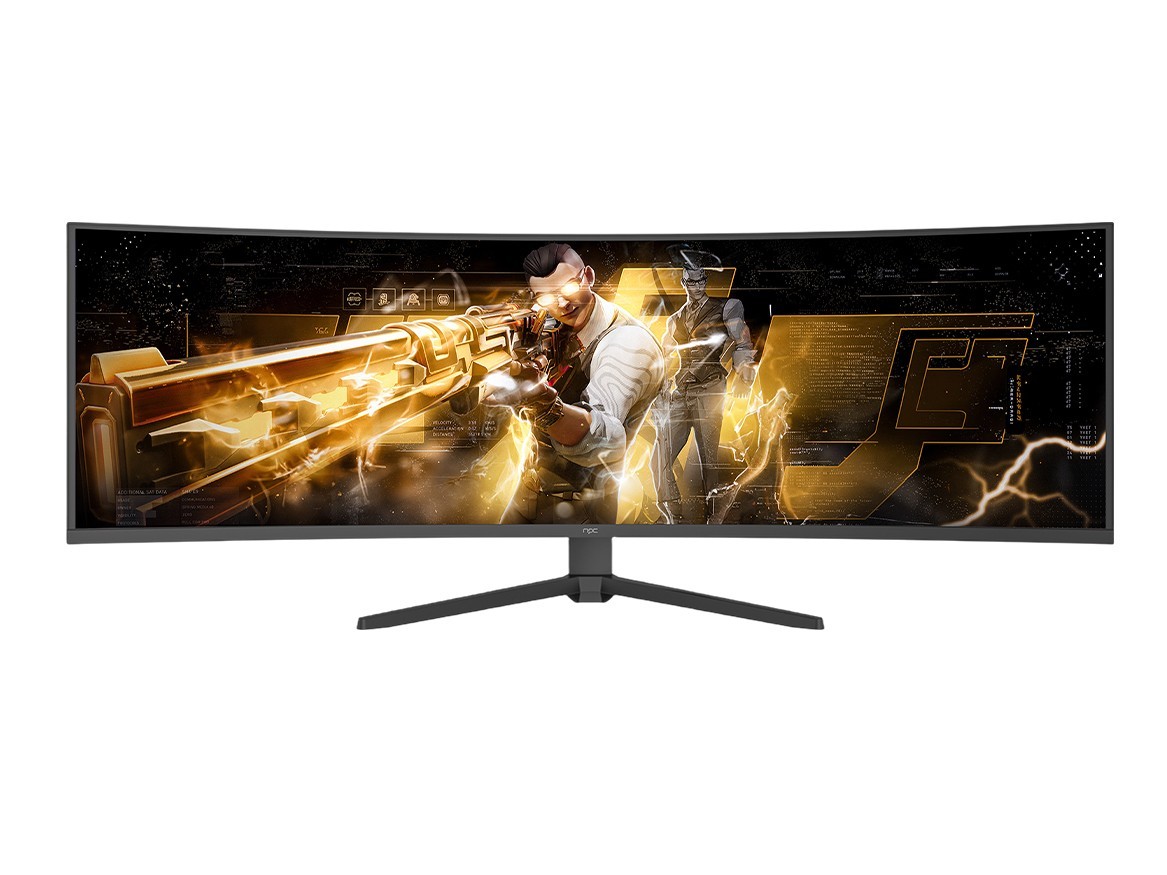
Startin’ with the problem
Folks keep buyin’ beautiful screens that don’t behave the way they expect — washed-out blacks, laggy gaming, mismatched colors, or firmware quirks that show up right when company’s comin’ over. That’s the problem this piece fixes: how engineers and buyers spot real technical trade-offs and pick a tv manufacturer whose engineering choices actually match the use case. We’ll get straight to what breaks, why it breaks, and what to check before handshakes and signatures.

Why those problems happen
Manufacturers make trade-offs: panel tech affects contrast and viewing angle; backlight design changes motion clarity and uniformity; scaler and firmware decisions alter input lag and HDR tone mapping. Engineers sometimes focus on peak brightness or color gamut for spec sheets and forget the viewing environment. Buyers often shop by brand or price alone and miss compatibility — like pickin’ a high-brightness model that blooms in a dark room or a low-latency set that sacrifices color accuracy. Those mismatches are where disappointment comes from.
How to judge displays like someone who knows their stuff
I’ve been mounting, measuring, and calibratin’ displays for a decade; the bench tests tell the truth. You want to verify black level and contrast with a good test pattern, measure input lag with real signals, and watch for temporal dithering or banding in gradient ramps. Trade shows like CES in Las Vegas are where manufacturers show prototypes and reveal priority shifts — they’re a reliable pulse of industry direction. If you need a quick reference for who’s making what, check the list of television manufacturers to compare specs and product focus before diggin’ deeper. That combination — hands-on checks plus awareness of industry trends — separates confident choices from guesswork.
Common pitfalls and how to avoid ’em
Don’t trust a single spec. Peak nits don’t tell you how the set behaves in dim scenes. Don’t buy solely for size; bigger panels heighten uniformity flaws. Beware marketing terms that blur real performance differences — words like “ultra” or “pro” without testable data. Beware firmware that’s locked down: if the manufacturer pushes frequent updates without transparent release notes, you could end up with unexpected feature changes. For engineers, don’t assume reference modes are calibrated the same across firmware versions — re-verify after updates.
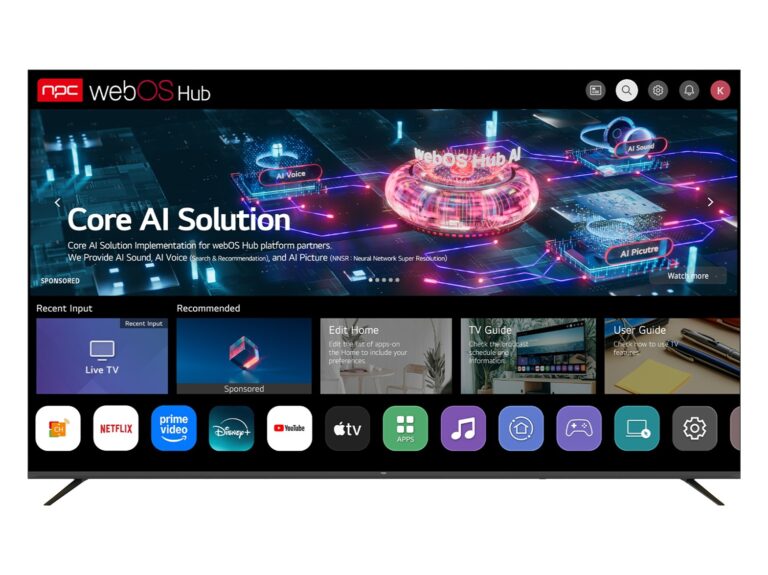
Practical checklist for engineers and buyers
Keep this short and usable: 1) Confirm native contrast and local dimming behavior with dark-scene tests. 2) Measure input lag with your target signal sources (console, PC, set-top). 3) Test color in both SDR and HDR modes — look for banding or clipping. 4) Run uniformity tests at different brightness levels. 5) Check HDR tone-mapping on content similar to what you’ll watch. 6) Ask about service, firmware policy, and spare parts availability. 7) Match the panel choice to the room’s lighting and preferred viewing distance. Do these, and you’ll dodge the usual traps.
Closing it plain and useful
Pickin’ the right television ain’t mystical — it’s practical work: know the trade-offs, run a few fast tests, and match features to how the set will actually be used. When you follow that approach, you end up with equipment that behaves the way you count on, and vendors you can rely on; for suppliers who line up with that thinking, see what npc lays out and use those details to guide your next choice.