What’s the immediate problem?
Parking guidance systems often look simple, but when they fail at peak hour the whole site suffers — frustrated drivers, wrong revenue figures, and staff scrambling. Start by asking: does the installed parking guidance system tell the truth under real use? This problem-driven piece lists the concrete checks you should run so failures are caught before they become complaints or fines.
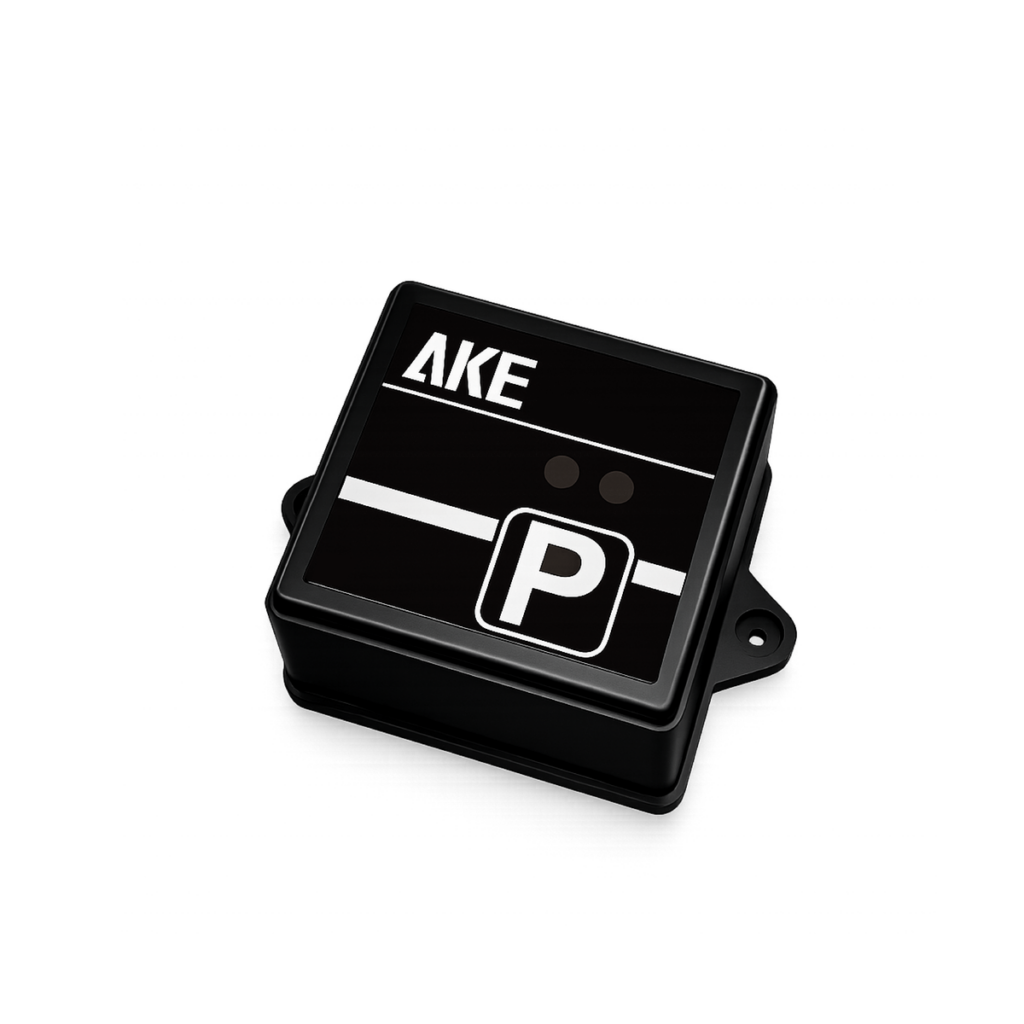
Sensor and detection accuracy
Test sensors where they actually sit. Measure false-positives and false-negatives over several days and different weather. Log raw detection events on edge devices and compare to manual counts for at least three peak windows. Define acceptable error as a strict percentage (for example, ≤5% over 24 hours) and fail the deployment if sensors drift beyond that without calibration steps recorded.
End-to-end latency and information freshness
Measure time from event (car arrives) to display update and to the central dashboard. Record one-way packet timing and round-trip times across your network. Set a hard SLA: real-time displays must reflect occupancy within a specified window (for instance, 2–5 seconds for local signs, 30 seconds for central analytics). Anything slower needs queuing, batching, or edge filtering fixes.
Network resilience and failover
Simulate link loss, high-latency links, and partial outages. Verify local displays keep operating during disconnects and that buffered events sync correctly on reconnection without duplication. Test cellular backup, VLAN isolation, and how firmware updates behave under intermittent connectivity; a failed OTA should never brick a field device.
Integration, data integrity and reconciliation
Check data flow to payment and permit systems. Reconcile counts across three points: sensors -> gateway -> backend. Run daily automated reconciliation that flags discrepancies beyond a narrow threshold and generates an actionable ticket. Confirm timestamps stay consistent across time zones and daylight-saving changes.
User-facing signage and UX checks
Real users read signs fast. Validate legibility at expected viewing angles and night conditions. Test dynamic messages for clarity and correctness: wrong bay numbers, outdated availability, or blank screens erode trust. Observe a short usability session with first-time visitors; if they hesitate, rewrite phrasing and retest.
Security and privacy tests
Run authenticated scans for open ports and certificate issues. Verify role-based access so attendants can’t change pricing or mass-delete logs. Confirm cameras (if present) adhere to privacy rules — no persistent storage of faces unless explicitly required and consented. Include a credentials-rotation policy and test it.
Environmental and lifecycle stress tests
Expose sensors and junction boxes to expected temperature, dust, humidity, and vibration. Cycle power to simulate brownouts. Run a firmware longevity test to see memory growth or fragmentation over weeks. Replace a failing unit and measure how quickly the system self-heals or alerts staff.
Analytics correctness and reporting
Validate occupancy trends, turnover measurements, and revenue attribution logic. Compare analytical outputs to manual samples and to external datasets where available. Ensure reports have provenance: who changed a configuration and when. If analytics drive enforcement or pricing, require signed audit trails.
Common mistakes teams make
Teams often skip end-to-end tests, trusting component bench results. They forget environmental variance: a sensor calibrated in lab light can misread under sodium lamps. Another frequent error is testing only during quiet hours; peak-load failures reveal race conditions that quieter windows hide. Also, do not neglect graceful degradation — a partial failure must degrade in predictable, documented ways.
How to run the checks — practical protocol
Adopt short, repeatable test cycles: 1) baseline lab verification, 2) small field pilot (24–72 hours), 3) shadow deployment running in parallel with live system, and 4) staged roll-out by zone. Use automated scripts for synthetic load and manual spot checks for UX. Record every test run with timestamps and evidence (logs, photos, video clips) so bugs are reproducible.
Real-world anchor and professional grounding
Lessons come from deployments on major Smart City pilots; for example, I’ve reviewed outcomes from Singapore’s Smart Nation trials and applied those learnings when testing parking guidance systems llc. Practical experience with such large-scale trials shows what fails first — sensor placement, time-synchronisation, and human-readable messaging — and that informs the strict checks listed above.
Short comparison of common system types
Ultrasonic sensors: cheap and simple, but sensitive to mounting angle and temperature. Inductive loops: very reliable for entry/exit counts but costly to install and disruptive for resurfacing. Camera-based solutions: flexible and rich in data, but require privacy safeguards and more compute. Choose the tech based on site priorities and then run technology-specific acceptance tests described earlier.

Final synthesis
Testing must find real faults fast, not just certify components. Run repeatable, site-specific checks for accuracy, latency, resilience, and user clarity so the system stays trustworthy for customers and staff. That approach is what I recommend to teams evaluating field solutions and what guides choices at vendors such as AKE Parking, where proven checks form the baseline of reliable deployment.